Pick blocked apps
Select the apps that usually break your focus and let PushLock watch for launch attempts.
 PushLock
Android focus lock
Block the apps that pull you in, then earn your way back with push-ups or sit-ups.
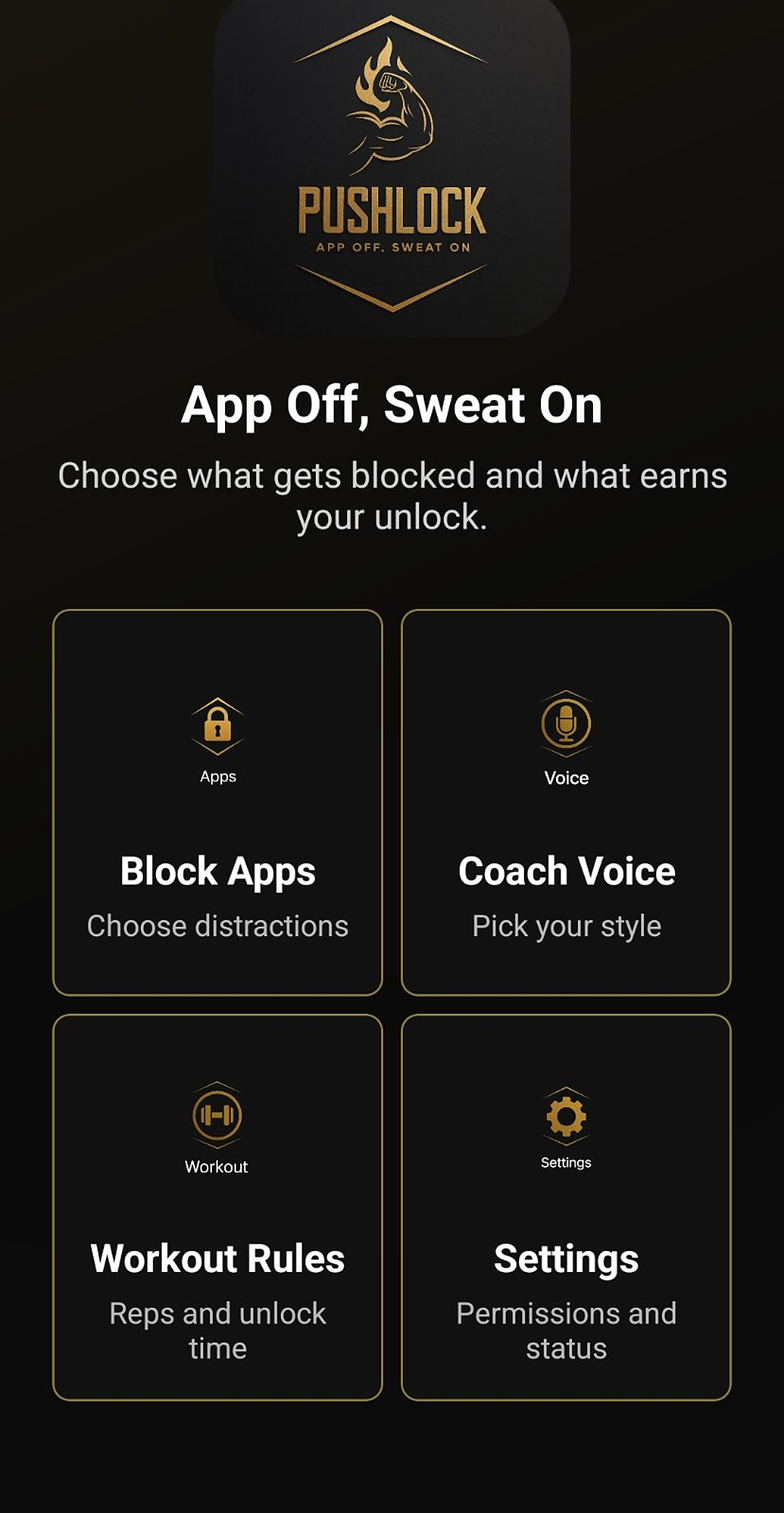
App Off, Sweat On
How it works
Select the apps that usually break your focus and let PushLock watch for launch attempts.
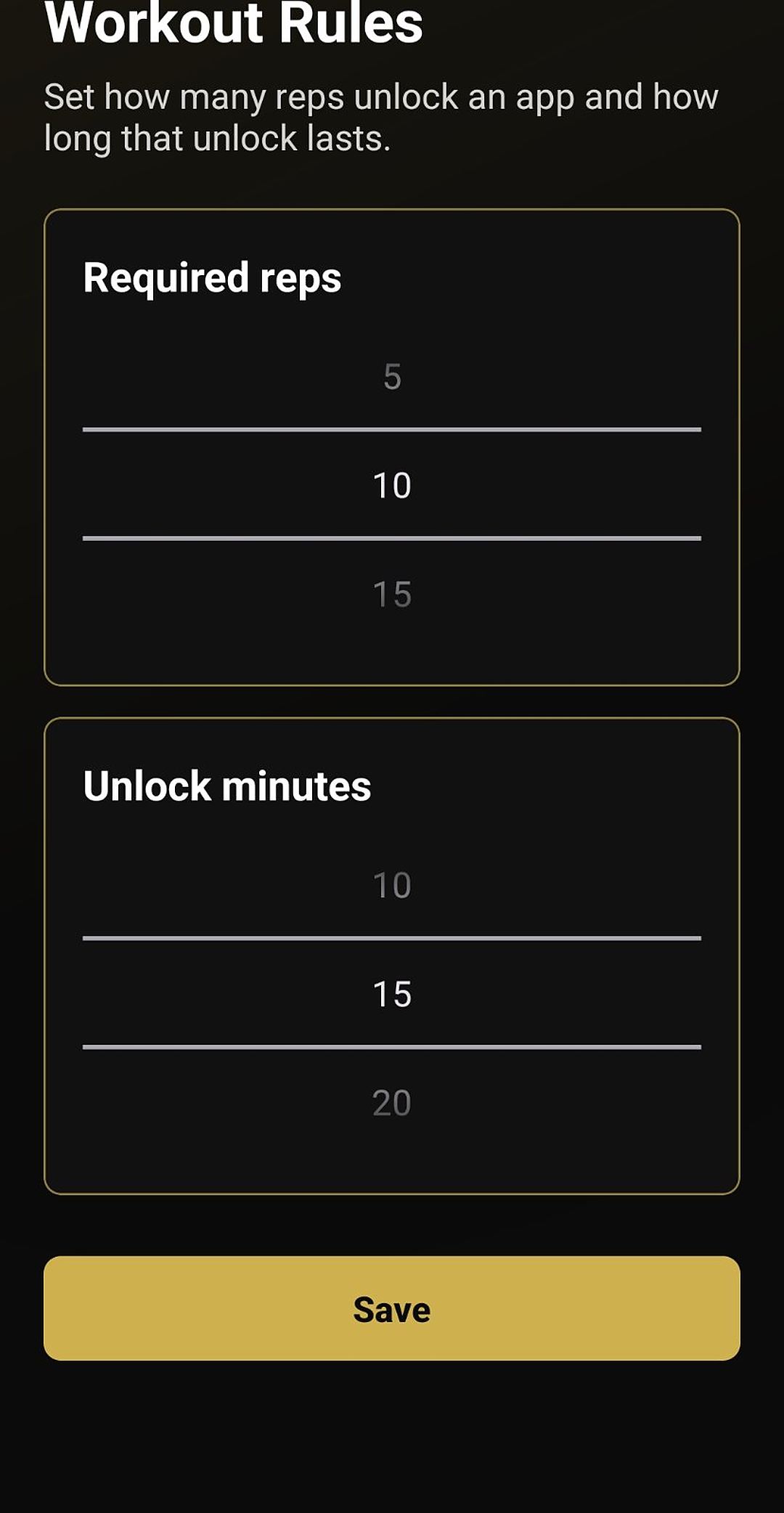
Choose the number of reps and how long the app stays unlocked after you finish.
When a blocked app opens, PushLock launches the camera workout and counts your reps.
Designed for friction
PushLock does not try to shame you off your phone. It adds a physical checkpoint, then gives you a limited unlock window when you finish.
7 / 10 completed
App demo
Watch how the lock works, then see the exact post-install permission setup for Camera, Notifications, Draw over other apps, Usage access, Accessibility, and Battery exemption.
Setup
Lets PushLock detect when a blocked app is opened.
Lets PushLock interrupt the app launch with the workout gate.
Lets PushLock enforce the block reliably across selected apps.
Privacy
PushLock uses Android permissions to detect app launches and enforce your blocklist. Your workout rules, coach settings, and blocked app list are stored on your device. Read the full Privacy Policy.
PushLock is coming soon. Want to join the testing crew? Email the PushLock team for instructions.
pushlock055@gmail.com